
Managing Your Activity
Track your submissions, votes, and favorites. Manage your prompts and view your contribution statistics.
What is My Activity?
Your personal dashboard showing all interactions with the Prompt Exchange:
- My Prompts – Your submissions
- Voted – Prompts you've upvoted
- Favorites – Prompts you've bookmarked
Step-by-Step Instructions
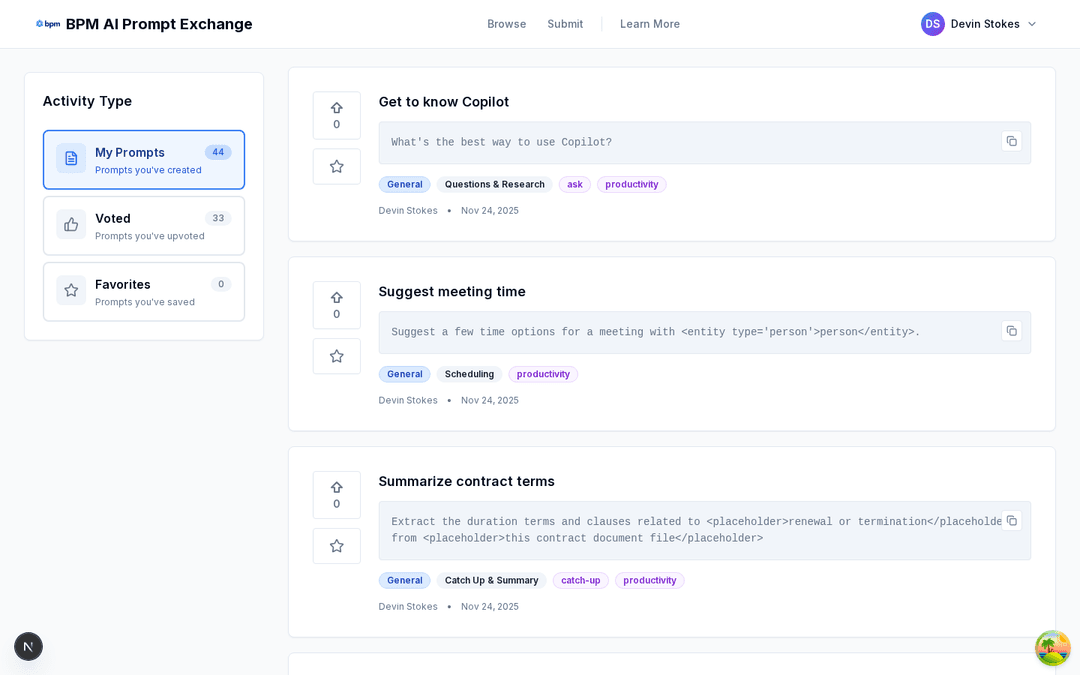
Navigate to My Activity
Click your profile picture in the top-right corner, then select "My Activity" from the dropdown.
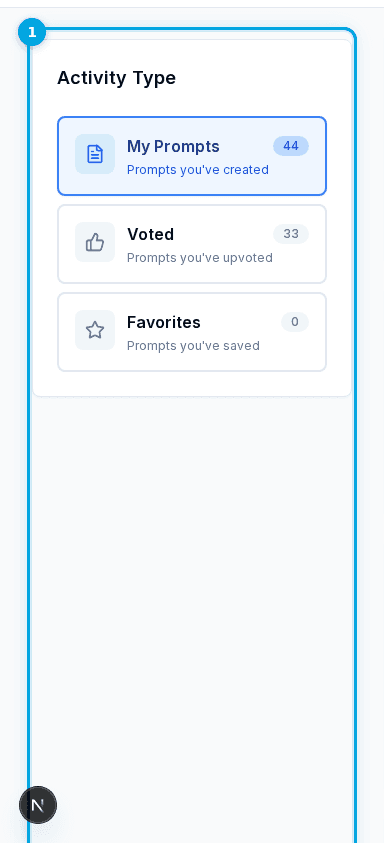
Understand the Sidebar
The left sidebar shows three activity types. Each displays a count of items in that category.
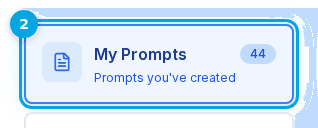
View My Prompts
Click "My Prompts" to see all prompts you've submitted, including both approved and pending.
View Voted Prompts
Click "Voted" to see prompts you've upvoted. Great for tracking prompts you found useful.
View Favorites
Click "Favorites" to see prompts you've bookmarked for later reference.
Interact with Prompts
From the activity page, you can interact with prompts just like on Browse – copy, vote, or favorite.
Understanding Your Counts
- My Prompts – Total submitted (approved + pending)
- Voted – Number of prompts you've upvoted
- Favorites – Number of bookmarked prompts
Frequently Asked Questions
Click your profile picture in the top-right corner, then select "My Activity".
Quick Tips
- • Remove a vote – Click vote button again
- • Remove a favorite – Click star icon again
- • Check counts – Numbers show totals per tab
- • Copy prompts – Use copy button to reuse